
Guides
How to Get Robux in PLS DONATE: Booths, Fees, Pending Robux and Safety
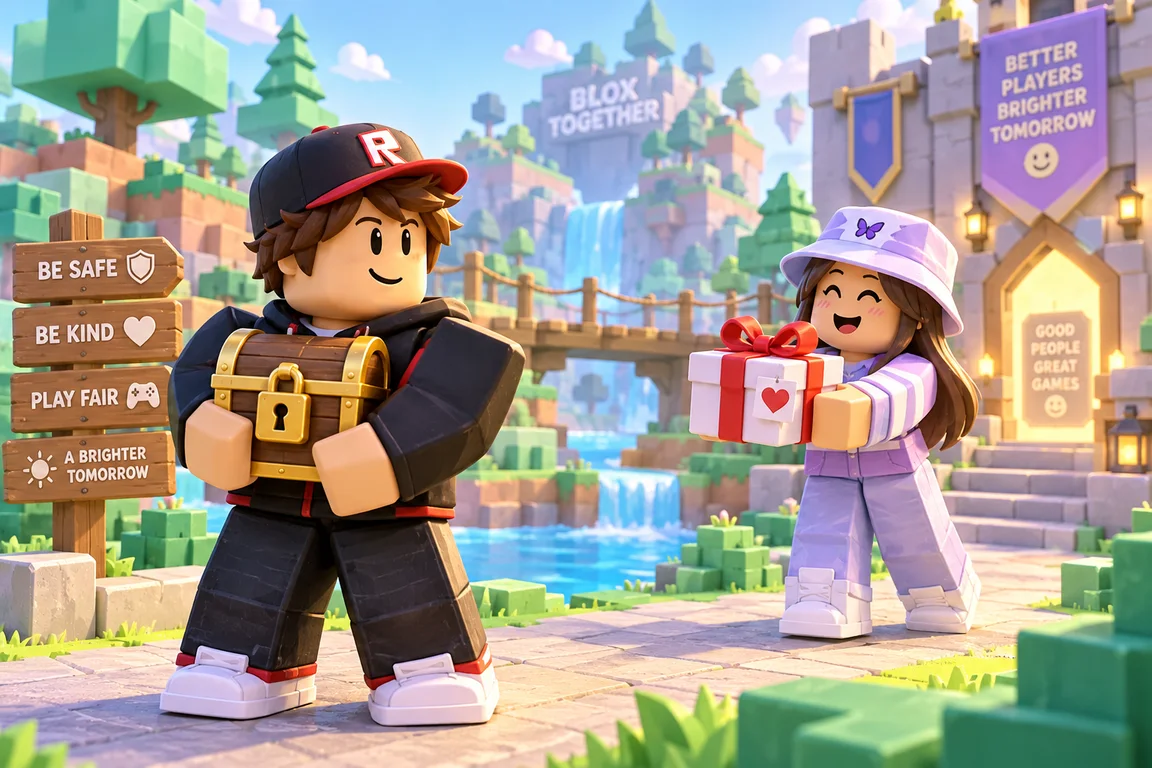
You get Robux in PLS DONATE when another player chooses to send you some from your booth. Since May 2026 those donations go through Roblox's own Robux transfers, so you no longer need a game pass, but the person giving needs a Roblox Plus subscription and nobody is guaranteed a single Robux. This guide explains how a booth works, how much you keep, why a donation can sit as pending, and how to avoid the scams that follow the game around.
How do you get Robux in PLS DONATE?
PLS DONATE does not make Robux. Every Robux that lands on a booth comes out of another player's own balance as a gift. You claim a booth, write a short message, and wait to see if anyone donates. Plenty of players stand for a long time and get nothing, so think of a donation as a nice surprise and never as something you can count on.
When someone does donate, you receive 90% of the amount and the game keeps 10%. Roblox takes no fee on these transfers. Before the Robux reach your balance you may need to accept the transfer and complete Roblox's age check, and younger players need a linked parent or caregiver account that reviews their transfers.
What changed in PLS DONATE in 2026
For years, PLS DONATE ran on game passes. You made passes in a game of your own, gave each one a price, and your booth showed them as donate buttons. A donor bought a pass, and you got part of the price.
In May 2026 Roblox stopped games from selling passes and developer products that belong to a different game, saying it wanted to protect players from fraud and exploitation. Donation games moved to Robux transfers, a Roblox feature that sends Robux straight from one player to another. The game can open a transfer, but the confirm window belongs to Roblox, and every transfer goes through Roblox's own safety checks.
That is why guides online disagree so much. Any guide that tells you to make a game pass, put it on sale and refresh your booth until it appears is describing the old system. Here is how the two compare, using the split Roblox published when it made the change:
- The old way: you needed your own game passes and anyone with Robux could donate. Roblox kept 30% and the game kept 10%, so you received 60%.
- The new way: you need no game pass, but the donor needs Roblox Plus. Roblox keeps nothing and the game keeps 10%, so you receive 90%.
How to set up your PLS DONATE booth
- Join the real game. Open PLS DONATE from its official page on Roblox. Look-alike games can turn up in search, so check that the creator is the Quataun group, which has a verified badge.
- Claim an empty booth. Walk up to a free booth and claim it.
- Write your booth text. Keep it short and friendly, and say what you are saving for. Roblox's text filter checks everything, so some words will show up as hashtags.
- Pick a look. The game has lots of booth designs. You buy them with Giftbux, the game's own currency, which you collect when you give or receive donations.
- Stay close and be friendly. When a player presses the donate button on your booth, the game opens Roblox's own transfer window. Only players with Roblox Plus can send Robux, and the donor confirms the amount before anything is sent.
How a donation reaches your account
Once a donor confirms, Roblox takes over:
- You may get a notification that a transfer is waiting for you. Select Accept.
- If you are a younger player, a prompt asks your parent to review the transfer, and your linked parent account approves or rejects it. A rejection cancels the transfer straight away.
- When every step is done, the Robux go into your balance right away.
You can check the status of any transfer on the My Transactions page of your Roblox account. If a donation does not seem to come through, the game's own description warns that transfers sometimes do not process until you rejoin the server. Leave, join again, and look for the notification.
Why your PLS DONATE Robux say pending
Pending means Roblox is holding the Robux until a step is finished. With transfers, that step is usually one of these:
- You have not accepted the transfer yet.
- You still need to complete Roblox's age check or link a parent account.
- Your parent has not approved the transfer yet.
While the age check or parent link is missing, the amount sits in the Pending Robux section of My Transactions. Roblox gives you 7 days to finish those steps. If they are not done in time, or the transfer is declined or never accepted, the transfer is cancelled and the Robux go back to the person who sent them.
Robux from selling a game pass are a different case. Roblox holds Robux from pass sales as pending for a while before they join your balance, a holding period it calls escrow. That wait is normal, so a pending sale does not mean anything went wrong.
Robux after tax in PLS DONATE
With transfers the numbers are simple: you get 90% of whatever the donor sends. Roblox's Creator Hub uses the example of a 100 Robux transfer paying 90 Robux to the receiver and 10 Robux to the game.
- 10 Robux sent becomes 9 Robux for you.
- 100 Robux sent becomes 90 Robux for you.
- 500 Robux sent becomes 450 Robux for you.
You can spend Robux you receive as transfers anywhere on Roblox, but you cannot cash them out for real money. Roblox says transferred Robux are not eligible for the Developer Exchange program, and our DevEx calculator explains how creator earnings work instead.
Game pass sales still pay the usual marketplace fee: Roblox keeps 30% and you get 70%. If you sell passes in a game you made, the Robux tax calculator shows what you keep from each sale and what price to set to end up with a certain amount.
Do you still need a game pass for PLS DONATE?
If you searched for how to make a gamepass for PLS DONATE, the honest answer is that you no longer need one. Booths can't sell passes from other games anymore, so a new pass will not add a donate button to your booth or bring in donations. If a video or guide says otherwise, it was made before the change.
Game passes are still worth knowing about if you build your own game. A pass is a one-time purchase that gives players a perk in your game, such as entry to a VIP area, an in-game item or a permanent power-up. Passes are free to create. Roblox's Creator Hub guide to passes has the full steps, but in general terms it goes like this:
- Publish a game on Roblox. Roblox Studio is free, and a simple place is enough to start.
- Open your creations on the Creator Hub and choose the game.
- Go to Monetization, then Passes, and create a pass with an image, a name and a description.
- Put the pass on sale and choose its price in Robux.
- Add a script to your game so the pass actually gives buyers what it promises.
Players can buy the pass inside your game or from your game's page on Roblox, but no longer from inside someone else's game. Our guide on how to earn Robux covers passes, avatar items and the other creator routes in more detail.
PLS DONATE tips that actually help
No tip can promise you Robux, because every donation is someone else's choice. These habits do make your booth a nicer place to stop at:
- Know who can donate. Only players with Roblox Plus can send Robux, every account has daily and monthly sending limits, and younger donors usually need a parent's OK. That is a smaller group than everyone who has Robux, so patience matters.
- Write an honest goal. "Saving for a new hat for my avatar" reads better than a wall of emojis. Don't make up sad stories. It isn't fair to the people reading them.
- Give people a reason to smile. A good joke, a pun or a neat booth design makes players stop and look.
- Be kind in chat. Say hi, help new players find a free booth, and thank people who donate, even when the gift goes to someone else. Spamming "pls donate" at every player pushes people away and can get you reported.
- Try other servers. Some servers are busy and some are nearly empty. If nobody is around, hop to another server instead of waiting alone.
- Say thanks and leave it there. A thank-you in chat is enough. You never owe a donor anything back, and a real donor will not ask you for Robux, items or account details afterwards.
- Know when to stop. If you have waited an hour with nothing, take a break and play something else. The random Roblox game picker can choose for you.
How to stay safe in PLS DONATE
Wherever Robux change hands, scammers turn up. Roblox's own advice is to only send Robux to people you know, because a transfer can't be undone. These are the tricks to watch for:
- "Send first" deals. Someone promises to donate double back, or to give you an item, if you donate to them first. Roblox transfers are final and cannot be reversed, so once you send, the Robux are gone. Say no every time.
- "Claim your PLS DONATE Robux" websites. A site that asks for your username and password to "claim" or "speed up" donations is trying to steal your account. Donations only arrive through Roblox itself.
- Fake staff and fake verification. Roblox says it will never ask you to send Robux to another user to verify your account or for any other reason. Anyone who asks is lying.
- Requests for codes or browser data. Never share your password, your 2-Step Verification codes, or anything someone asks you to copy from your browser. Any of these can hand over your whole account.
- Moving the chat to another app. If someone wants you to add them somewhere else to "sort out a donation", stop replying.
- Copycat games. Join from the official game page and check the creator before you play.
If something feels wrong, leave the server, block and report the player, and tell an adult you trust. Our Roblox account safety guide shows how to turn on 2-Step Verification, which protects your account and can also raise how much you are allowed to send in transfers.
A note for parents
PLS DONATE is a social game where players ask strangers for Robux and give Robux away. Under Roblox's transfer rules, younger players need a linked parent account to send or receive Robux, and a parent reviews their transfers. The age at which approval stops depends on your region, and Roblox's Help Center lists the current rules. Sending Robux also requires Roblox Plus, which is a paid subscription.
If your child asks you to approve a transfer, check who it is from or to and how much it is, because a transfer cannot be undone once it goes through. In Parental Controls, a linked parent can also see a child's transfer history, set daily and monthly transfer limits, and choose when approval is needed.
Other ways to get Robux
Donations are a lucky extra at best. If you want Robux you can count on, these are the real routes:
- Buy Robux or an official gift card from Roblox or a real shop.
- Make something people want, such as a game or avatar items, and sell it through Roblox.
- Play on a site you trust. On Robux Quiz, correct answers in quizzes like the Roblox trivia quiz earn coins, and 10 coins are worth 1 Robux. Link and verify your own Roblox account and you can request a payout from 100 Robux. A person reviews every request, nothing is guaranteed, and it is open to players of every age. See how it works.
Robux generators do not exist, and here is why every one is fake. For more on staying safe while you look, read how to get Robux safely.
Robux Quiz is a fan-made site. We are not affiliated with Roblox or with Quataun, the group behind PLS DONATE.
Sources
Frequently asked questions
How do you get Robux in PLS DONATE?
Claim a booth, write a friendly message and wait for another player to donate through the donate button. Donations are gifts from other players, the donor needs Roblox Plus, and nothing is guaranteed.
Do you need a game pass for PLS DONATE?
No. Since Roblox turned off cross-game pass sales in May 2026, PLS DONATE donations go through Roblox's Robux transfers, so a new game pass will not show up on your booth.
Who can donate in PLS DONATE?
Only players with a Roblox Plus subscription can send Robux, and every account has daily and monthly sending limits. You do not need Roblox Plus to receive a donation.
How much Robux do you get after tax in PLS DONATE?
You receive 90% of each donation and the game keeps 10%, so 100 Robux sent gives you 90. Roblox takes no fee on transfers.
Why are my PLS DONATE Robux pending?
Roblox holds a transfer until you accept it and finish any age check or parent approval. If the age check or parent link is not done within 7 days, the transfer is cancelled and the Robux go back to the sender.
Can I cash out Robux I get in PLS DONATE?
No. Robux you receive as transfers can be spent on Roblox, but they are not eligible for the Developer Exchange program.
Robux Quiz is a free, fan-made site. It is not affiliated with, endorsed by or sponsored by Roblox Corporation or the makers of the games mentioned here.
 GuidesHow to Earn Robux: Every Real Way, From Game Passes to DevEx
 GuidesGames That Give Free Robux: What's Real and What's Bait