Safety
Roblox Account Safety: 12 Rules Every Player Should Know
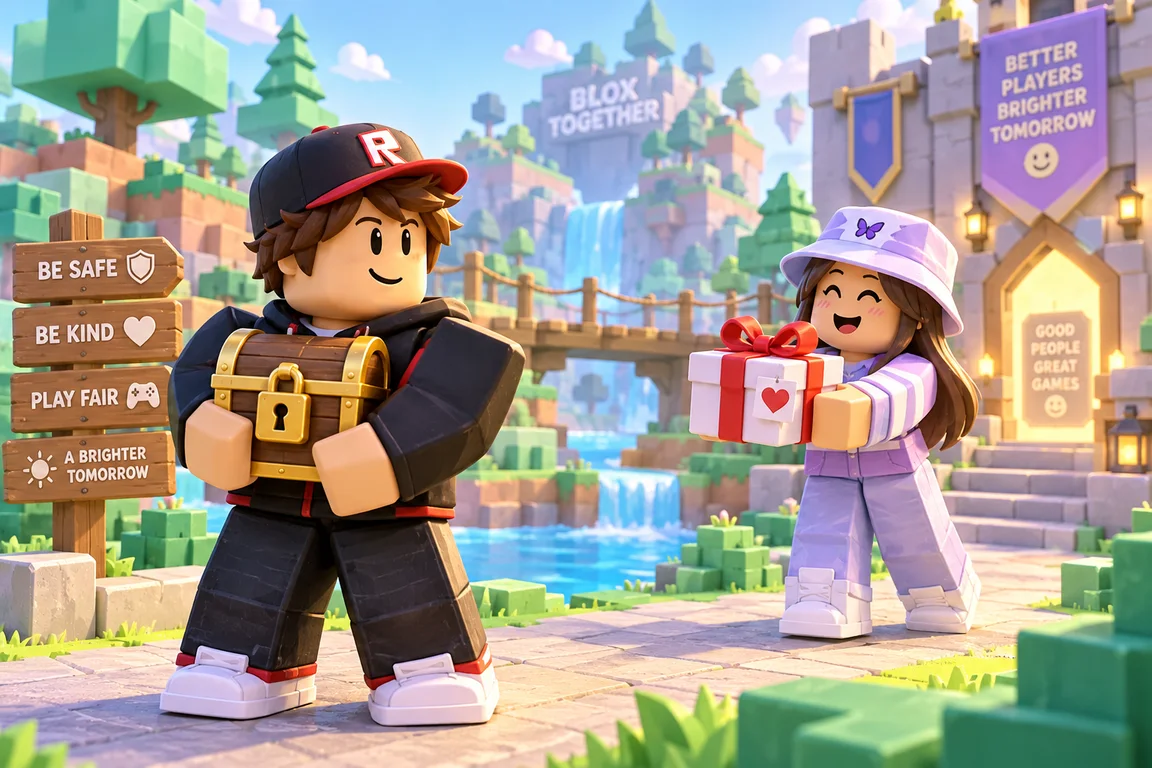
Your Roblox account holds your avatar, your items, your friends and sometimes years of progress. Losing it is one of the worst things that can happen to a player, and almost every lost account is lost the same few ways. Follow these 12 rules and you shut every one of those doors.
Lock the account itself
1. Turn on 2-Step Verification
2-Step Verification means a new device needs a code from your email or an authenticator app as well as your password. Even if someone steals your password, they still cannot get in. Turn it on in the Security section of your Roblox settings. If you only do one thing from this list, do this.
2. Use a password you use nowhere else
When another website is hacked, criminals try the stolen email and password combinations on Roblox. A password that is unique to Roblox makes those lists useless. A long phrase of several random words is easy to remember and hard to guess.
3. Add and verify your email
A verified email is how you get your account back if you are ever locked out, and how Roblox tells you about new logins. Add a phone number too if you can.
4. Ask a parent to set up parental controls
For younger players, Roblox's parental controls let a parent manage who can chat, what experiences are allowed and how much can be spent. A parent can lock those settings so they cannot be changed without them.
Never hand over the keys
5. Never share your password, ever
Not with friends, not with "staff", not for a prize, not for Robux. Roblox employees will never ask for it. A friend today can be an ex-friend tomorrow.
6. Check the address before you log in
The only place to type your Roblox password is roblox.com or the official Roblox app. Scam sites use addresses that look close, with extra words, dashes, numbers or misspellings. When in doubt, type roblox.com yourself instead of clicking a link.
7. Never paste code you were given
If anyone asks you to paste something into your browser's address bar, the developer console or a "tool" to get Robux, items or a rare badge, stop. That code can copy your logged-in session and give someone full control of your account without your password.
8. Don't download exploits or "Robux tools"
Programs that promise cheats, free items or Robux are a favourite way to spread malware that steals accounts. Using exploits also breaks the Roblox rules and can get your account banned.
Play and trade safely
9. Trade only through the official trade window
Use Roblox's trade system or a game's own trade screen, where both sides of the deal are visible before anyone accepts. Never give an item first because someone promised to "trust trade" or "give it back with a bonus".
10. Treat links in chat with suspicion
Links in chat, private messages, comments and Discord servers are the main way scam sites spread. A link promising free items, a giveaway or a "rate my outfit" page is a red flag.
11. Keep real-life details private
Your full name, school, address, phone number and photos stay off Roblox. Roleplay names, avatars and stories are for pretend, and real details should never be part of them.
12. Log out of sessions you don't recognise
In your security settings you can sign out of every other device at once. Do it if you used a shared computer, or if anything about your account looks odd.
If you think you've been hacked
- Try to log in and change your password straight away.
- If you can't get in, use "Forgot password" with your verified email.
- Turn on 2-Step Verification and sign out of all other sessions.
- Contact Roblox Support from roblox.com and explain what happened.
- Change the password of any other account that used the same password.
Practise spotting the tricks
Our Roblox true or false quiz mixes safety facts with fun trivia, and the guide to getting Robux safely shows the most common free Robux scams in detail.
Frequently asked questions
Will Roblox ever ask for my password?
No. Roblox staff never ask for your password. Only type it on roblox.com or in the official Roblox app.
What is the most important Roblox security setting?
2-Step Verification. It stops someone who has your password from logging in on a new device without a code.
Robux Quiz is a free, fan-made site. It is not affiliated with, endorsed by or sponsored by Roblox Corporation or the makers of the games mentioned here.
 SafetyHow to Get Robux Safely, and How to Spot Free Robux Scams
 GuidesGrow a Garden Beginner's Guide
 GuidesDoors Entities Guide: How to Survive Every Entity in the Hotel